
Wispers teaches your services, apps, and devices to find and talk to each other — directly and securely, without your data touching the cloud.

Use Wispers Access to share your private web app without putting it on the internet.

Use Wispers Connect to get the same direct, secure connections in your own software.

Try Wispers Files, our proof-of-concept app, to copy files directly between your devices.
Your software doesn't belong on the public internet
Most new software ends up as a cloud service, even if it's just for a handful of users. The reason: each of those users has multiple devices — smartphones, laptops, workstations — and until now, the only way to reach them all was to run a service on the public internet, exposing your software to billions of people, including people who make a living breaking into things. The cloud became the default workaround: if you have to be exposed, at least let a world-class security team handle the exposure.
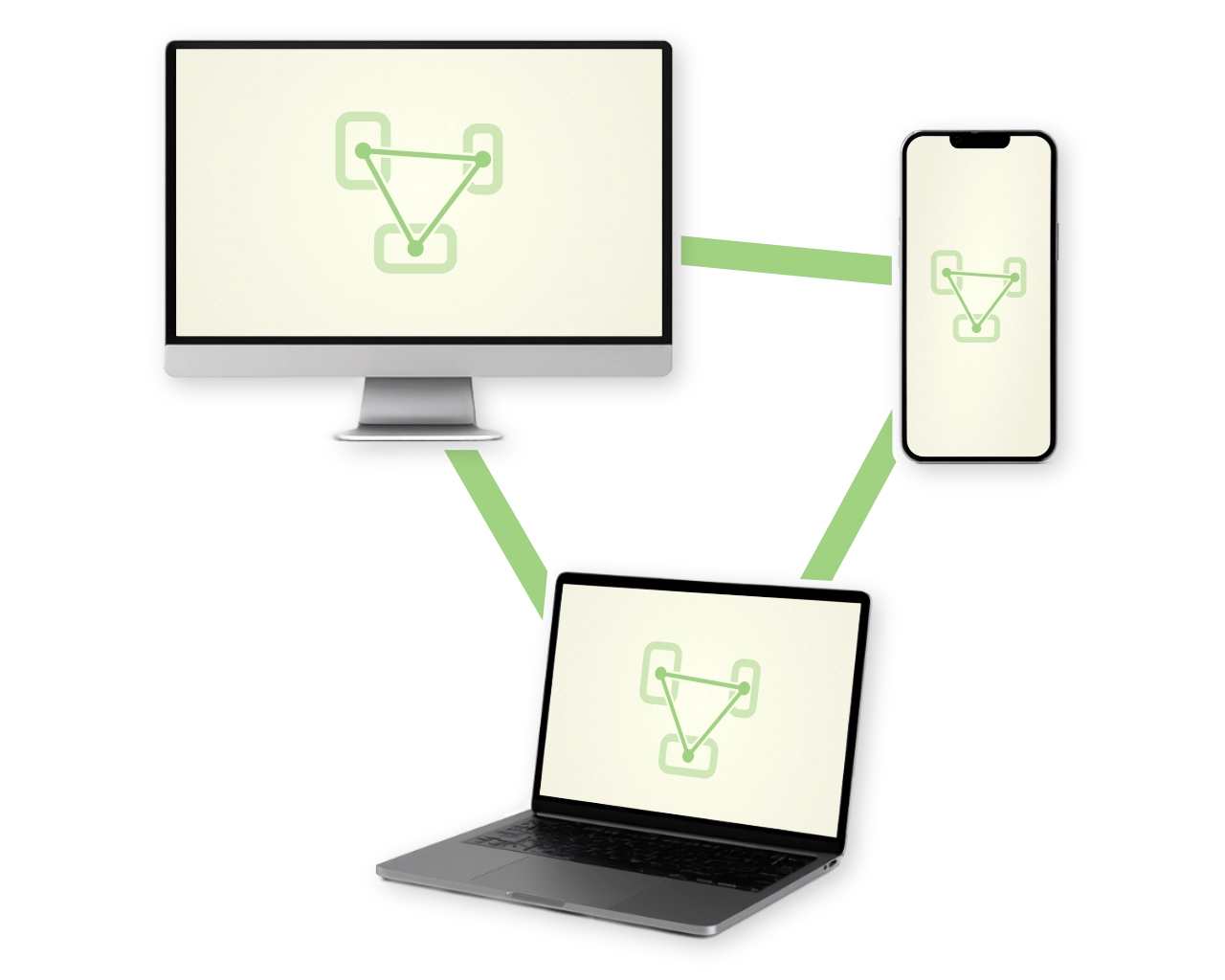
Wispers is not a workaround. Your services, apps, and devices connect directly and securely, without exposing anything to the public internet. Just your software and your users. Wispers Access does this for web apps you already run, and Wispers Connect adds the capability to software you develop. Your software doesn't belong on the public internet, and now it doesn't have to be.
Wispers Access
Currently in open beta.
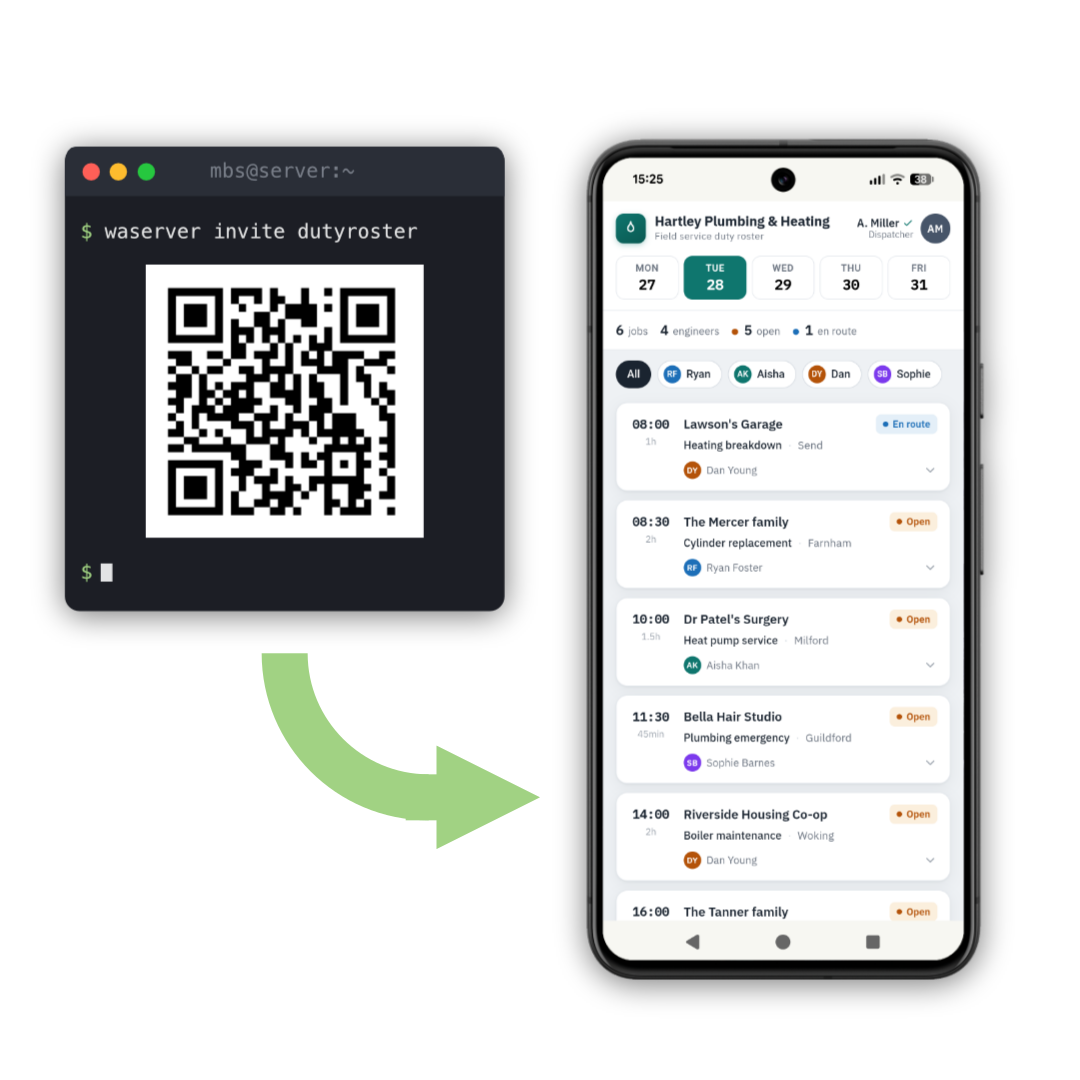
Access is how to use Wispers with your existing web apps — your team's ERP, that vibe-coded tool everyone relies on, your photo archive. Run waserver next to the app you want to share and hand out invites. Guests open the app right inside Wispers Access on their phone, or in their normal browser on a desktop. No VPN profile, no open port, no changes to your app, and only the people you invited can access the app. Access works at the application level, so it never conflicts with anything.
 Got an invite? Start here
 Get started on Github
How it works
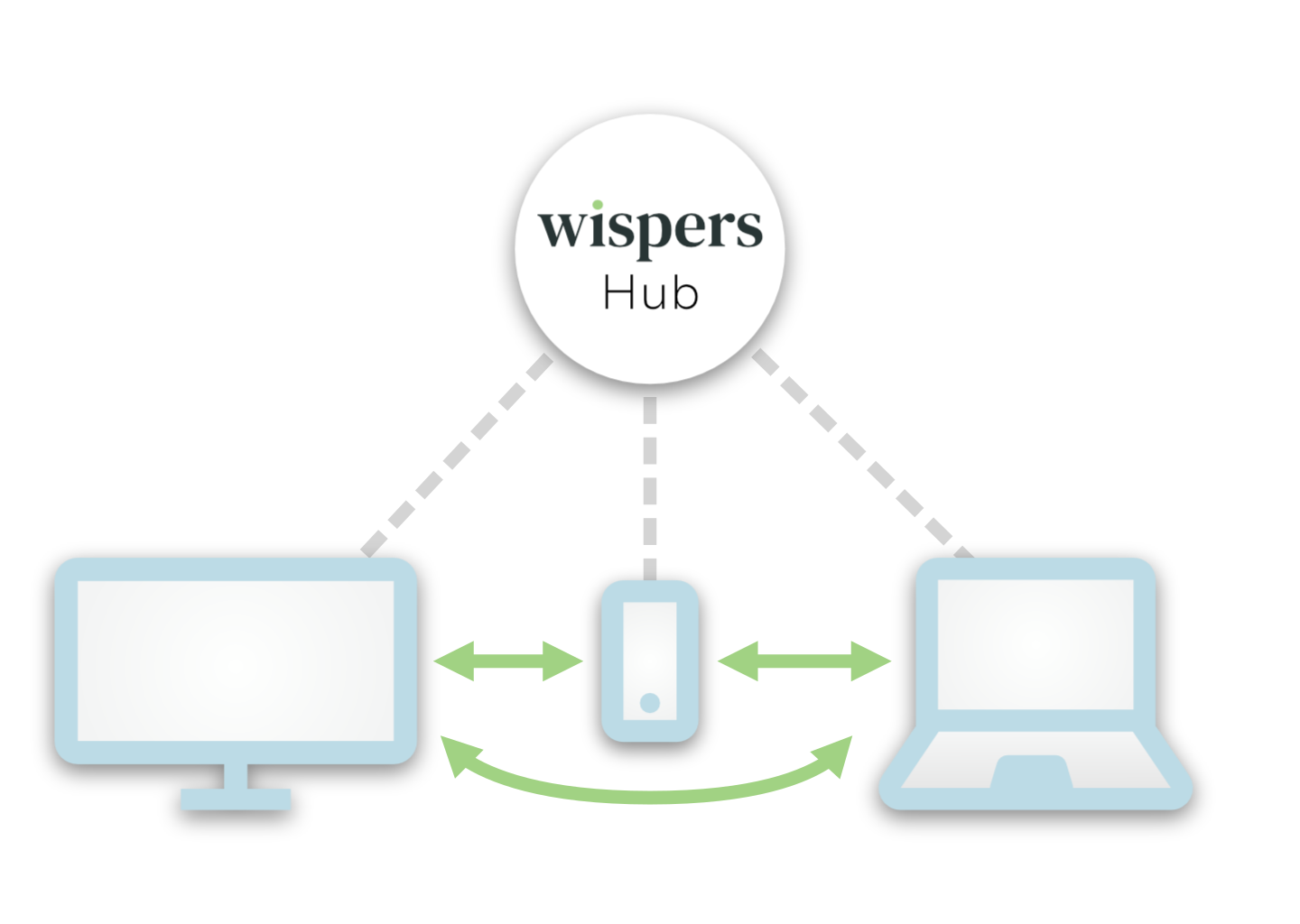
Devices are usually connected to the internet in a way that lets them reach public websites, but not each other. And even if they could be reached, they wouldn't know whether to trust each other. Standards like HTTPS aren't made for this case.
Wispers solves both of these problems. It first runs a handshake between your devices to establish mutual trust, then uses this trust to do NAT-traversal — the same technique used in video conferencing, but without having to trust the rendezvous server (the "hub"). The result is a direct, encrypted connection, with no cloud server in the loop.
Wispers Connect
Connect is how you integrate Wispers into your software. It's the open-source Rust library that Wispers Access and Wispers Files are built on, with wrappers for other languages, and it does all the networking magic for you.
If you already have a software stack you can't change, no problem. Connect comes with a sidecar tool that connects your existing stack using port forwarding or HTTP and SOCKS proxying.
Wispers Files
Our proof-of-concept app, built entirely on Wispers Connect.
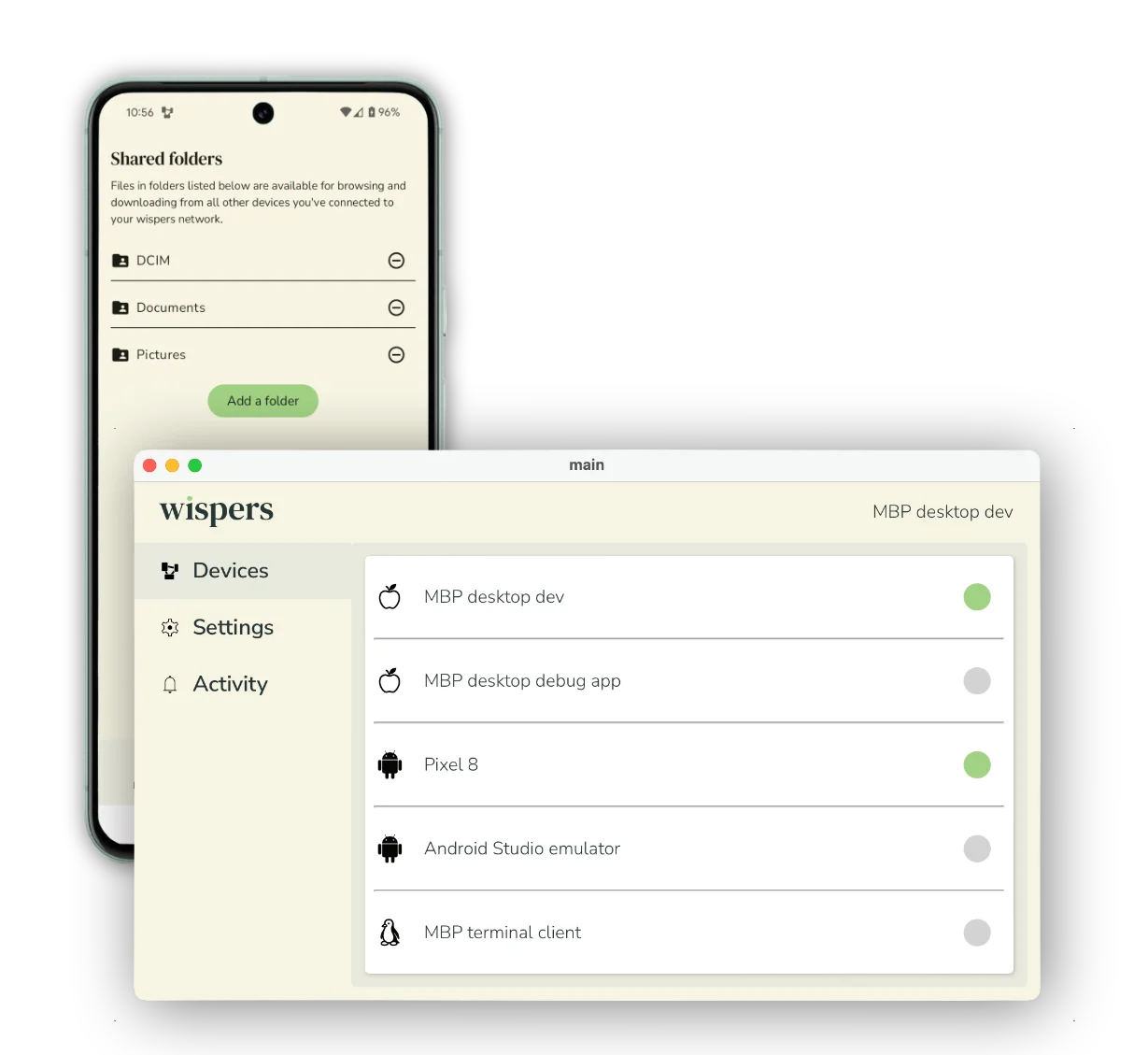
If you don't have your own software stack but just want to connect your devices in a cloud-independent way, try Wispers Files! Instead of trusting the cloud with your data, just fetch files directly from your own devices, whenever they’re online. Photographers and videographers will love this — no more up- and downloading gigabytes of data if the devices are right next to each other!
If you're a developer, Wispers Files is also a working proof of concept. It's built entirely on top of Connect, using nothing your own software couldn't. We built it both to show what's possible with Wispers and to learn first-hand what actually matters when shipping a real app on it.